

-

Stop Waiting! Get Your Website Listed on Google TODAY (Quick & Easy)
Launching a new webpage is an exciting step, but to truly make it visible to your audience on Google (the most well-known search engine in…
-

Selector Stats in Edge: A Tool to Identify and Optimize Slow CSS Selectors
Microsoft Edge provides a tool called Selector Stats that can help identify slow selectors and optimize them for better performance. In this article, we’ll explore…
-

Mastering CSS will-change: A Guide to Improving Web Performance
CSS will-change is a property in CSS that provides a hint to the browser on which properties of an element are going to change. In…
-

A Beginner’s Guide to Inspect Element in Chrome Developer Tools
With Chrome Developer Tools, you can edit your webpage content in real-time, diagnose front-end problems quickly, and troubleshoot your webpage instantly, You’ll wonder how you…
-
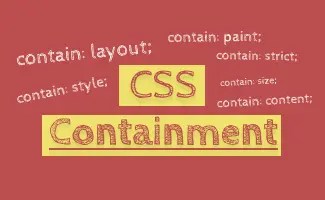
CSS Contain : Boost Your Web Performance
CSS Containment allows developers to isolate a targeted subtree of the page from the rest of the page. By working on the isolation, browser engines…
-

Maximizing Image Customization with HTML Picture Tag
the HTML picture tag allowed developers to have the flexibility to specify dedicated image resources in different scenarios, it provides a solution for responsive images…
-

AVIF vs WebP: Understand Image Optimization in 3 mins
In this article, we will be comparing AVIF and WebP to see how they stack up against each other and against older image formats. We…
-

How @layer CSS helps resolve cascade conflict
The CSS @layer rule allows developers to control the position and stacking order of elements within a web page. The key difference is that with…
-

SVG vs PNG: Understand All in 5 Minutes
In this article, we will explore the strengths, weaknesses, and use cases for svg and png to give you a comprehensive understanding of both image…
-

Must Know Tips to Improve CSS performance
1. Avoid @import CSS What is CSS @import ? CSS @import is the process of importing one or multiple different CSS file into existing CSS file CSS @import load…
Advertisements
 ui pencil